

The best test for a new support@ address happens on someone’s day off. A customer writes back, “That fixed it, thanks.” Can the person covering support see what fixed it? Receiving the new message is only half the job. They need yesterday’s answer as well.
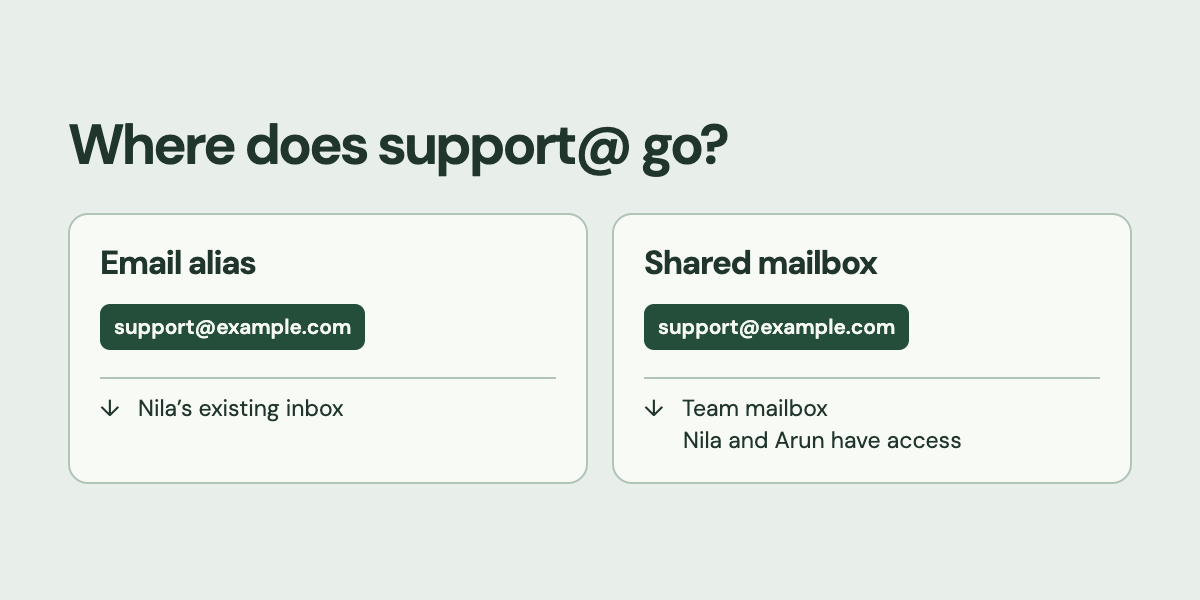
An email alias gives an existing mailbox another address. A shared mailbox gives authorized teammates access to a common mailbox. A distribution group can deliver a message to several people. Each can put support@example.com on a contact page. What changes is where the conversation lives after the first reply.
| Your situation | A good starting point | What to check |
|---|---|---|
| One person handles support and sales | Aliases on that person’s mailbox | Can they reply from the address the customer used? |
| Two people rotate support duty | A shared mailbox with individual access | Does the next person see incoming mail and sent replies? |
| Several people need a copy of an announcement | A distribution group | Should replies go to the sender or the whole group? |
| Several agents need an owner and a status for each request | A support inbox or ticketing system | Can two people tell who has already claimed a request? |
When an alias is enough
Picture a one-person studio. Nila answers both hello@ and invoices@. She wants distinct public addresses and one place to read everything. An alias is a sensible choice. She can route messages by recipient and check which address appears in the From field when she answers.
In Google Workspace, mail sent to a user alias arrives in that user’s primary inbox. The alias is an alternate address on the account. If Nila gives a colleague their own login, that colleague doesn’t automatically get her invoice history. That becomes important the first time someone else covers billing. Google Workspace email alias documentation
The detail teams miss in a shared mailbox
Suppose Nila and Arun take turns answering support@. They both receive the customer’s message. Nila replies on Tuesday. Arun opens the mailbox on Wednesday. What does he see in Sent Items?
In Microsoft 365, access to a shared mailbox and permission to send from it are separate decisions. Sent messages can also land in the individual sender’s Sent Items by default. An administrator can configure a copy to be saved in the shared mailbox. That setting can make the difference between a clean handover and asking the customer a question Nila already answered. Check the equivalent behavior in your own mail service. Microsoft’s shared mailbox guide · How shared Sent Items work
Run a two-person test before publishing the address
- Send a message from an outside account with a recognizable subject, such as Delivery date for sample order 104.
- Have the first teammate reply from the support address. From the outside account, check the visible sender and hit Reply.
- Have the second teammate open the shared workspace using their own login. Ask them to find the original question, the outgoing answer, and the follow-up.
- Have the second teammate take ownership of the follow-up. Check that the first person can tell who is handling it.
If step three fails, fix the history or sent-copy settings. If step four fails, decide how the team will claim messages. A small team might use folders or categories. A busy desk may need explicit assignment. Forwarding a copy to one more person won’t tell anyone who has agreed to answer.
When you compare business email options, take that sample order with you. “Can both people see Tuesday’s reply?” is a more revealing question than “Do you support team addresses?”