
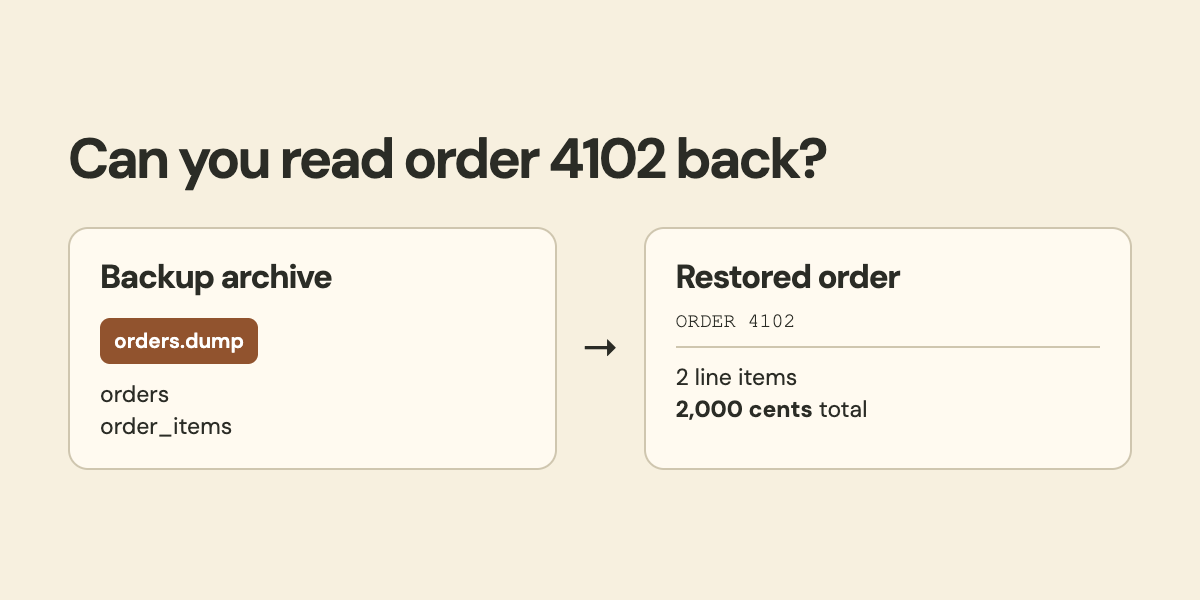

You have a file called orders.dump. Yesterday’s backup job exited successfully. If the database disappeared, could support still open order 4102 and see both items? A restore drill gives you an answer you can demonstrate.
This walkthrough uses a disposable PostgreSQL 16 installation and two new local databases. It puts a small order into the first, takes a custom-format backup, then reads the order from the second. Run the commands from the same shell in a fresh working directory. You’ll need PostgreSQL’s command-line tools and a local role allowed to create databases. Check that your connection settings point to the disposable instance before starting.
Give the backup a question to answer
An empty table can survive a backup perfectly. Give yourself a known result that depends on a relationship between two tables. Here, order 4102 has two line items worth 1,250 and 750 cents. A second order makes it possible to spot a query that accidentally sums the entire table.
createdb journal_orders
psql -X -v ON_ERROR_STOP=1 -d journal_orders <<'SQL'
CREATE TABLE orders (id integer PRIMARY KEY);
CREATE TABLE order_items (
  order_id integer REFERENCES orders(id),
  line_no integer,
  amount_cents integer NOT NULL,
  PRIMARY KEY (order_id, line_no)
);
INSERT INTO orders VALUES (4102), (4103);
INSERT INTO order_items VALUES
  (4102, 1, 1250), (4102, 2, 750), (4103, 1, 500);
SQL
On a real system, pick an equivalent check before the drill. A fulfilled order with its shipment, or an article with its author, works well. Record its expected values as of the backup time. A total from the live database tomorrow is a moving target.
Restore the archive into an empty database
pg_dump --format=custom --file=orders.dump journal_orders
pg_restore --list orders.dump
createdb --template=template0 journal_orders_restore
pg_restore --exit-on-error --single-transaction --no-owner --no-acl \
  --dbname=journal_orders_restore orders.dump
The list shows the archive’s table of contents. The restore goes further and actually recreates the objects and loads their data. Using one transaction means an error rolls back that restore. This small drill skips ownership and grants so it can run under one local role. Restoring production permissions requires a separate check with the appropriate roles in place. PostgreSQL documents these switches in the pg_restore reference.
Read one order back
psql -X -v ON_ERROR_STOP=1 -d journal_orders_restore <<'SQL'
SELECT o.id, count(i.line_no) AS items, sum(i.amount_cents) AS total_cents
FROM orders AS o
JOIN order_items AS i ON i.order_id = o.id
WHERE o.id = 4102
GROUP BY o.id;
SQL
The expected row is 4102 | 2 | 2000. An empty result deserves investigation even if the restore printed no errors. First check the destination database name, then check the archive date against the date the order was created.
Turn the exercise into a recovery time
For the next drill, use a recent backup in an isolated environment. Start the clock when someone begins retrieving the archive. Stop it when an application account can read a known record through the application. Record the archive timestamp, elapsed time, slowest step, and anything the operator had to look up. A restore that takes 12 minutes after a 40-minute hunt for the file is a 52-minute recovery exercise.
Keep the scope of that result written down. A single-database dump leaves out cluster-wide roles, and files stored outside PostgreSQL need their own recovery path. A successful order lookup tells you something precise about the data you restored. A second drill with the real permissions and file storage tells you whether the whole order screen will work. PostgreSQL’s SQL dump guide